
900+ Hours of Using Claude Code for Trading - What I Learned
Everything I Learned in 1,000+ Hours of AI Trading Research

The thing about learning to use AI for trading is that you pay for every mistake in time. Wrong workflow, wasted hours. Bad prompt, wasted afternoon. Start over from scratch, wasted week. I’ve made all of them.
This is everything I wish I knew earlier, compressed.
Six things. All of them practical. None of them obvious on day one.
Plan before you build.

Ive seen most traders describe their strategy in one paragraph and ask for a backtest. The AI writes 200 lines. It errors then they debug and it errors differently. Three hours later, they haven’t run a single clean test.
The problem isn’t the code. There was no plan.
Before any code: tell Claude your strategy idea and ask it to ask you questions. Not “write my backtest.” Just: “I want to build a mean reversion system on S&P 500 stocks. Ask me everything you need to know before we write a line of code.”
What comes back is a list of decisions you hadn’t made yet. Data source. Timeframe. How do you define the entry signal exactly. What’s the exit, fixed stop, time-based, reversal. How do you handle earnings dates, halts, gaps. Each one matters. Making them during planning costs nothing. Making them after 300 lines of code costs a full afternoon.
AI moves fast. Without a plan, fast is the problem.
Voice your prompts.
This one sounds trivial. It isn’t.
Typed prompts for trading instructions tend to be short. “Build a momentum screener.” “Add a stop loss.” When you type, you edit yourself. You cut context you think is obvious.
When you describe a trading strategy out loud, something different happens. You add detail naturally. You say things like “...but only when volume is above average, because that’s when the signal is actually clean” detail you’d never type. Voice prompts run two to three times longer and more specific. The AI gets better instructions. The code reflects what you actually wanted.
If you’re building at home, try it for one session.
Also I use WisprFlow, it’s free.
Connect Claude to live data with MCP servers.
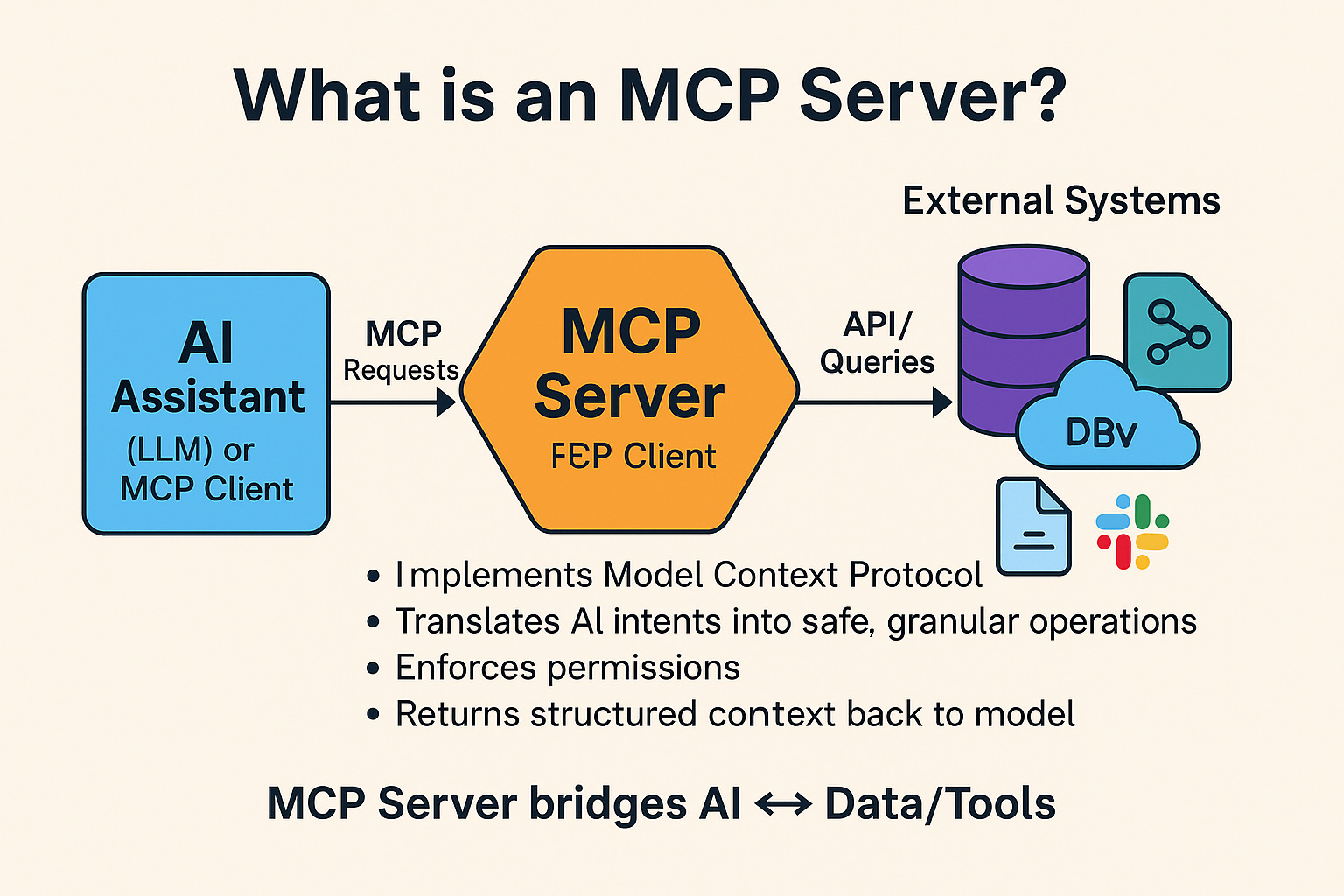
Traders haven’t heard of MCP servers yet. The simplest way to think about them: a USB port that connects Claude to external data sources.
For trading, the useful ones are market data feeds, broker APIs, financial data providers. Instead of downloading a CSV, cleaning it, and pasting it into Claude, you point Claude at the source directly. It reads your data as part of the workflow.
Practical example: connect to your broker API and describe what you want. “Pull the last 90 days of SPY price data and flag every day where the close was more than 1.5% below the prior close.” Claude pulls the data, runs the logic, returns the result. No file management, no reformatting.
Better context goes in. Better output comes out. That’s the mechanic.
Treat AI like a junior quant with ADHD :)
The most useful mental model for working with Claude on trading tools: junior quant. Capable. Fast. Can build things you couldn’t build alone in a week. But left with a vague brief, it guesses and it guesses confidently.
“Build a backtest” produces 200 lines that may or may not reflect your actual strategy.
“Write a Python function called
calculate_signalsthat takes a DataFrame with columns [date, close, volume] and returns a Boolean column calledsignalTrue when the 10-day return exceeds 5% and today’s volume is above 1.5x its 20-day average. Nothing else.”
produces exactly what you asked for.
Your job isn’t to code. It’s to make the instructions tight enough that the AI’s guesses are correct ones.
Give your AI a permanent memory.
Every new session, most traders re-explain everything. Data format. Broker API. How signals are defined. Position sizing rules. Claude starts cold every time, and you spend the first 15 minutes of every session getting it back up to speed.
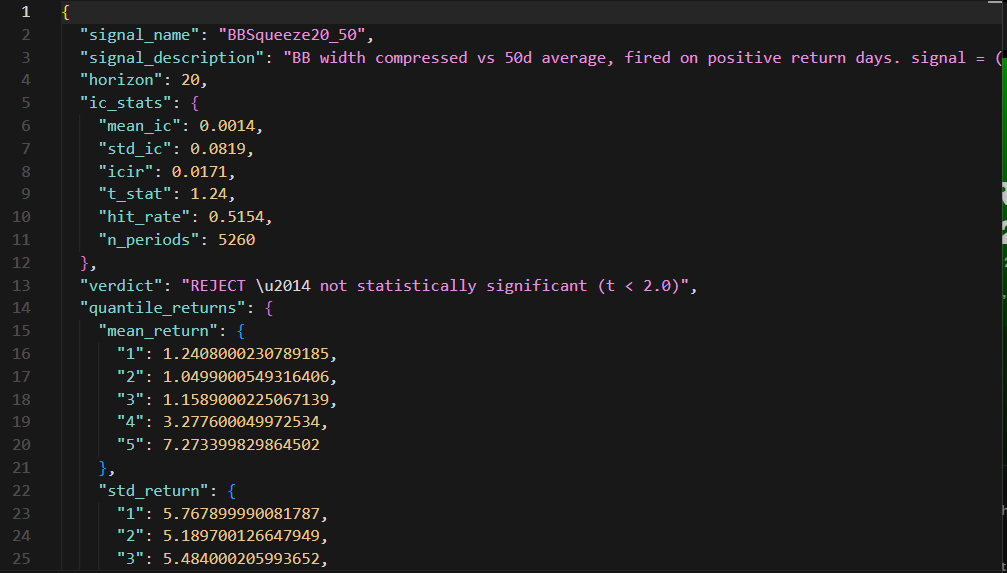
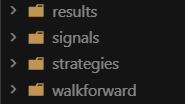
There’s a file called CLAUDE.md. It lives in your project folder. Claude reads it automatically at the start of every session.

Put everything in it you’d otherwise repeat: your data format (daily bars, date/open/high/low/close, no dividend adjustment), your broker setup (Alpaca, paper trading only), how you define entries and exits, your risk rules, your Python library preferences, any quirks in your dataset. Build it once. Update it as decisions get made.
The codebase gets smarter with each session. By month two, Claude knows your system setup before you’ve typed a word. That’s compound engineering the same idea as compounding returns, applied to context.
The traders building working AI tools are not the ones with the most coding experience.
They’re the ones who figured out that the human’s job is to make the AI’s guesses better through planning, specific instructions, live context, and a system that remembers.
That’s 900 hours in one read. Nothing magical ;)
Challenge the claude 2 times and it will admit it is wrong and looses all its confidence. How much confidence now you are left with to trade on that code ?
I use claude code in the terminal and claude in the desktop app together, then get them to argue with each other and rip apart what each other is doing. We then reach a consensus on the best way forward using CC to write the code and Claude to check it. Works well.